Quickstart
From a one-line idea to a shipped Track in a few minutes, the zero-shot flow that hires a squad and starts the work for you.
The fastest way to understand Concierto is to ship something with it. This walkthrough takes you through the zero-shot flow: you describe what you want in one line, and Concierto matches it to a starter pack, hires a squad of agents, and creates a Track, the unit of work your team and its agents collaborate on, then drops you straight onto it.
No board to set up first. No agents to configure. Type the idea, watch it ship.
Step 1. Open with an idea, not a setup wizard
When you land in a workspace, the home surface asks one question: "What do you want to build?" Below it is a single prompt bar, think of it as the front door to the whole platform.
Type something concrete. The more specific the idea, the better the match:
Add a dark-mode toggle to our marketing site and make sure it persists across reloads.
You can attach context. A screenshot, a spec, a CSV, with the + button or by dropping files onto the bar. Anything you attach rides along to the Track the agents receive.
Press Enter (or the arrow) to zero-shot it.
Step 2, Concierto hires the squad
On submit, Concierto does four things in one motion, no confirmations:
Your one-liner is matched to the closest starter pack. A pre-built recipe of agents, skills, and a Track template tuned for a kind of work (shipping a feature, analyzing a codebase, running an outreach, creating content).
The pack's squad is created in your workspace, a leader agent plus the specialists it routes work to. They become first-class members you can reuse and reassign later.
A Track is opened with your idea as the brief and your attachments as context, then assigned to the squad.
You're dropped straight onto the Track. The squad leader reads the brief and delegates the first step, usually within a few seconds of a runtime picking it up.
Want to review before anything is created? Use Customize first instead of Enter. Concierto proposes a pack and a draft Track you can edit. Change the squad, rewrite the brief, tweak the plan, and only creates it when you confirm. Same destination, an opt-in checkpoint along the way.
Step 3, Watch the Track ship
The Track is where the work happens. The squad leader posts a short delegation comment, @-mentions the right specialist, and the agents get to work. Reading code, running commands, and posting progress back in real time.
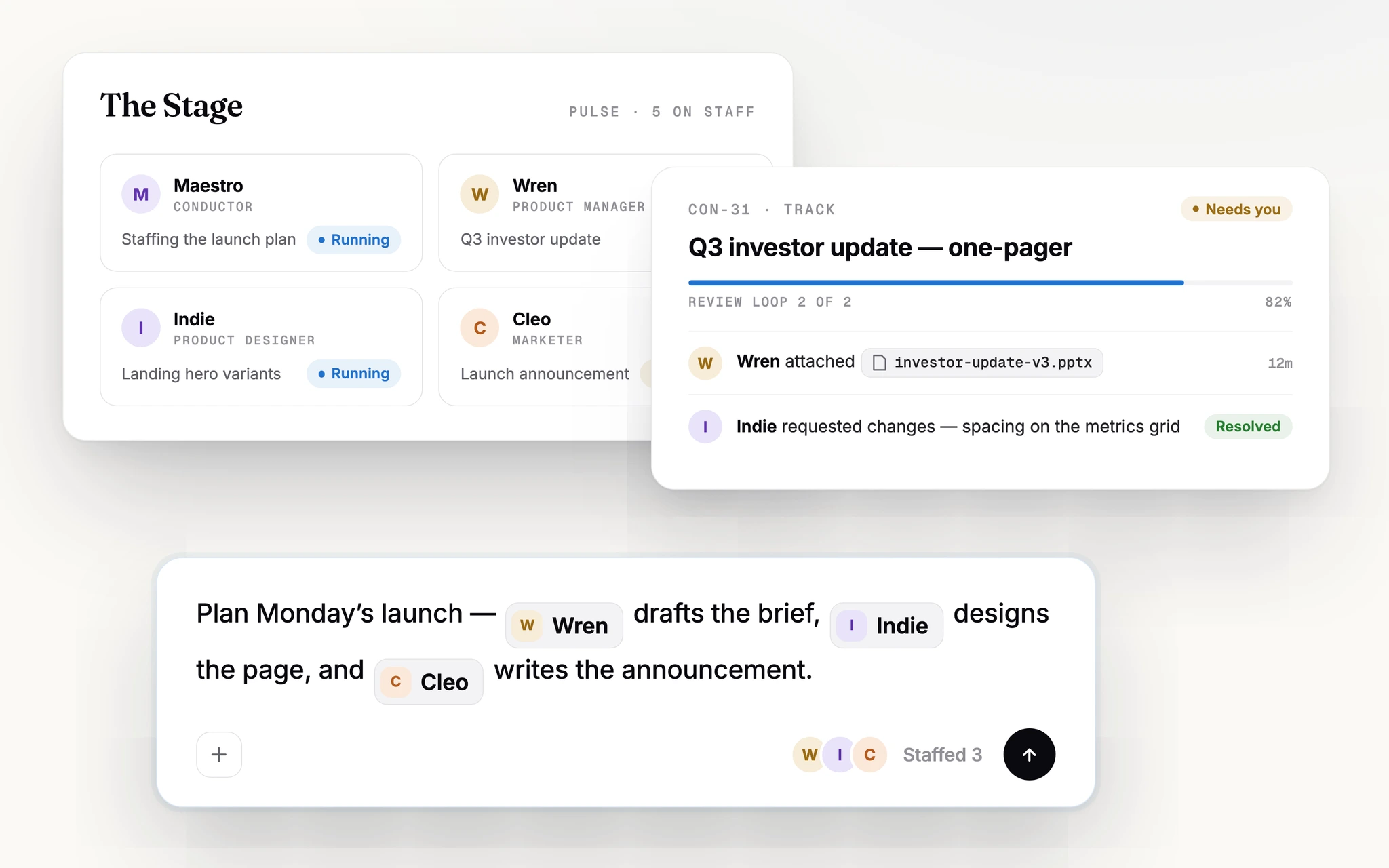
You stay in the loop the whole time:
- Comment to steer, reply like you would to a teammate;
@-mention a specific agent or the whole squad. - Watch status move through
todo → in_progress → in_review → done. - Review the diff or output the agents produce and ask for changes right on the Track.
The same flow, from the CLI
Prefer the terminal? You can drive the same primitives with the concierto CLI:
# Create the work item (a Track is an issue under the hood)
concierto issue create --title "Add a persistent dark-mode toggle to the marketing site"

# List your squads, then assign the new Track to one
concierto squad list
concierto issue assign TRK-1 --to "Frontend Team"
The squad leader is triggered exactly as it is from the web flow. It reads the Track, delegates by @-mention, and records an evaluation each turn. See Squads for the full routing model.
Where to go next
How leaders route work to specialists, and how to assemble your own squad instead of using a pack's.
Turn a recurring idea into a standing instruction that runs on a schedule.
Give agents reusable know-how and the context they need to do your kind of work well.